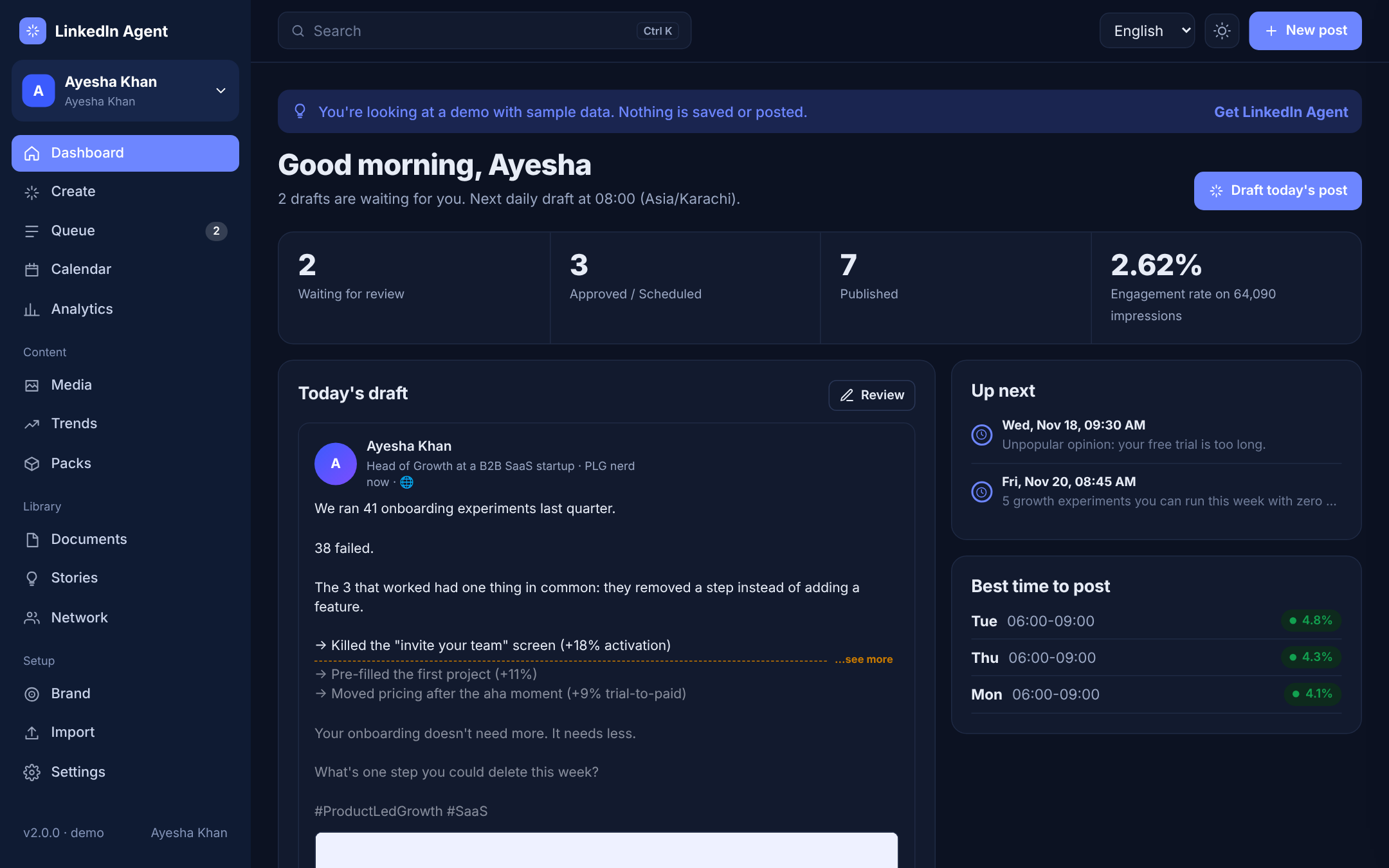
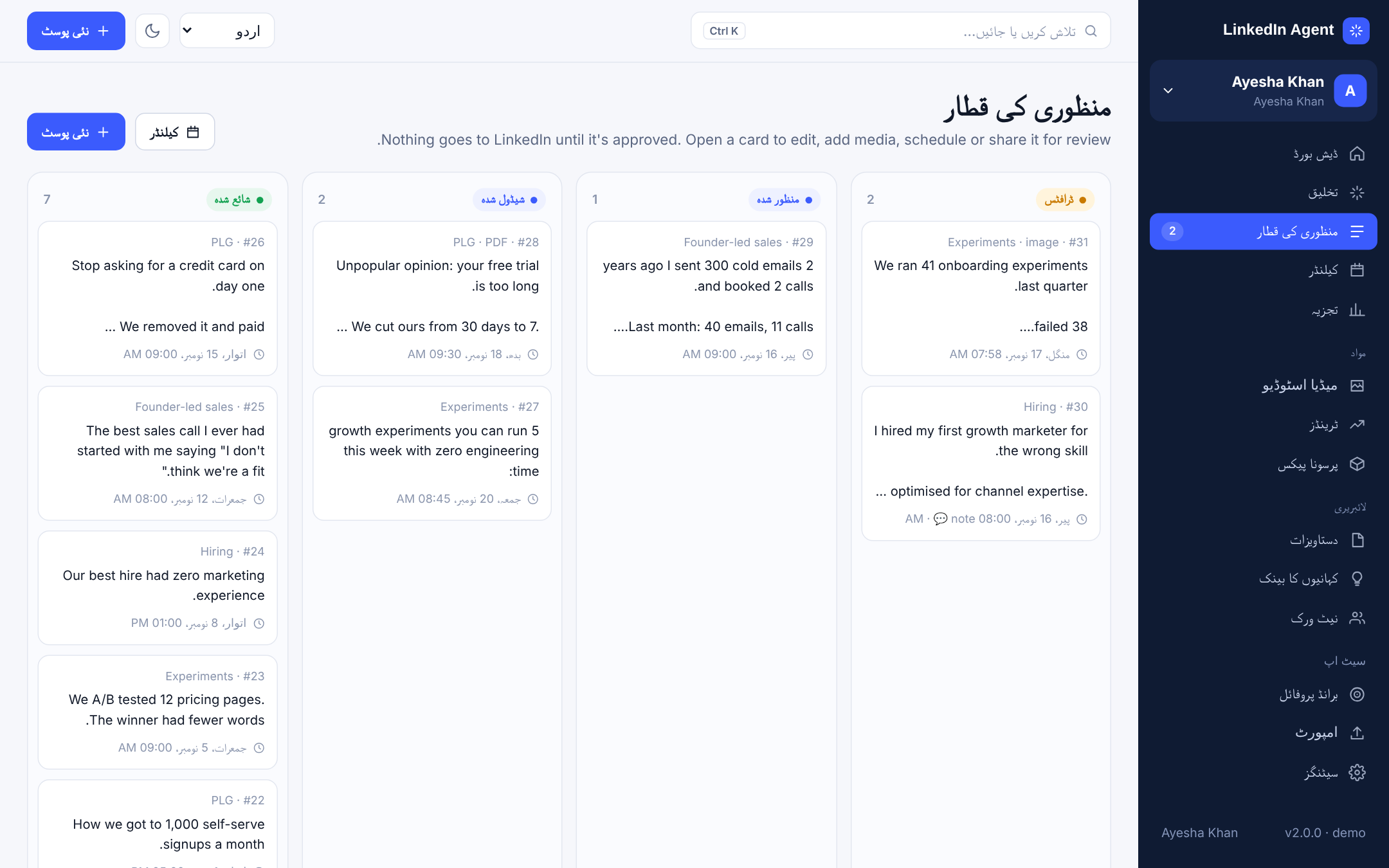
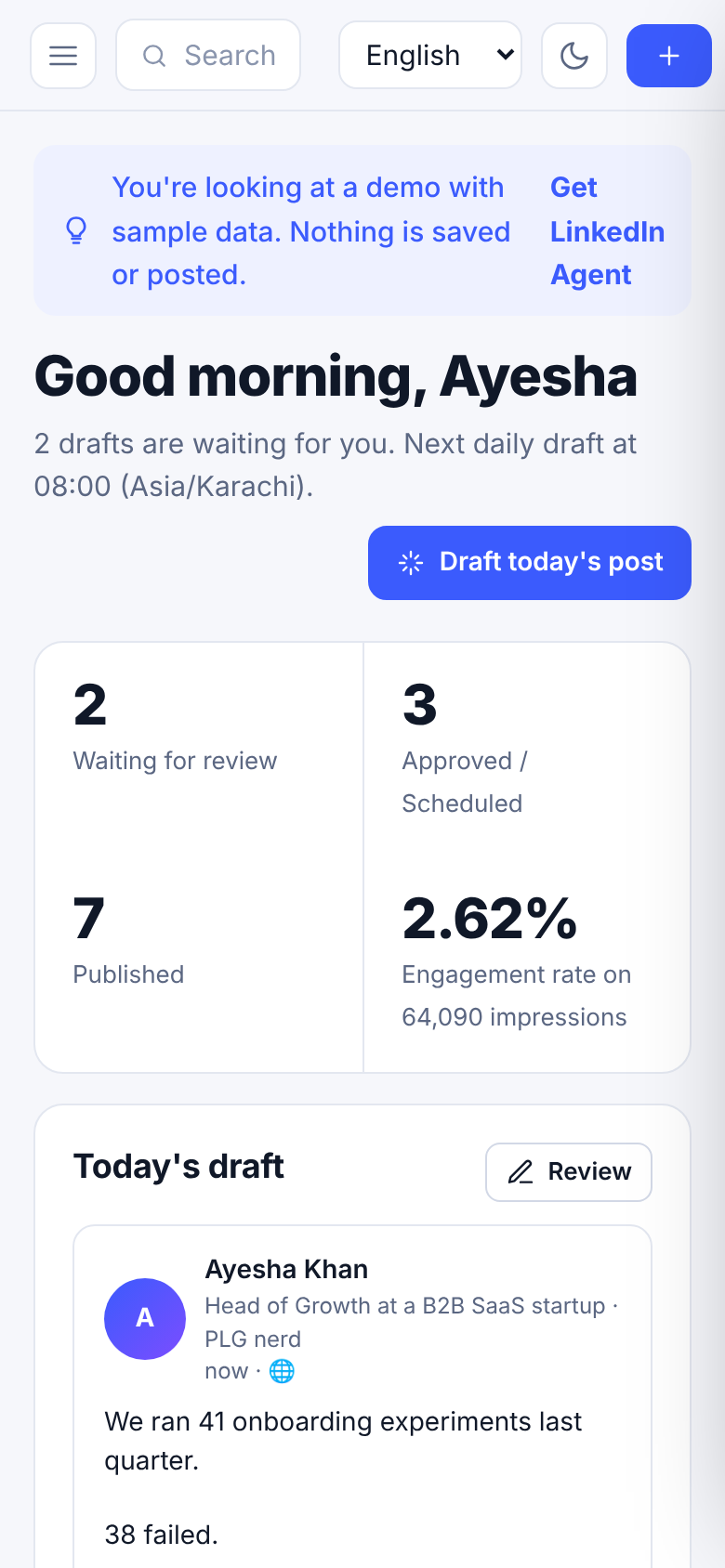
Every screen of the app, as it looks after you install it. Open the live demo to click through them yourself.
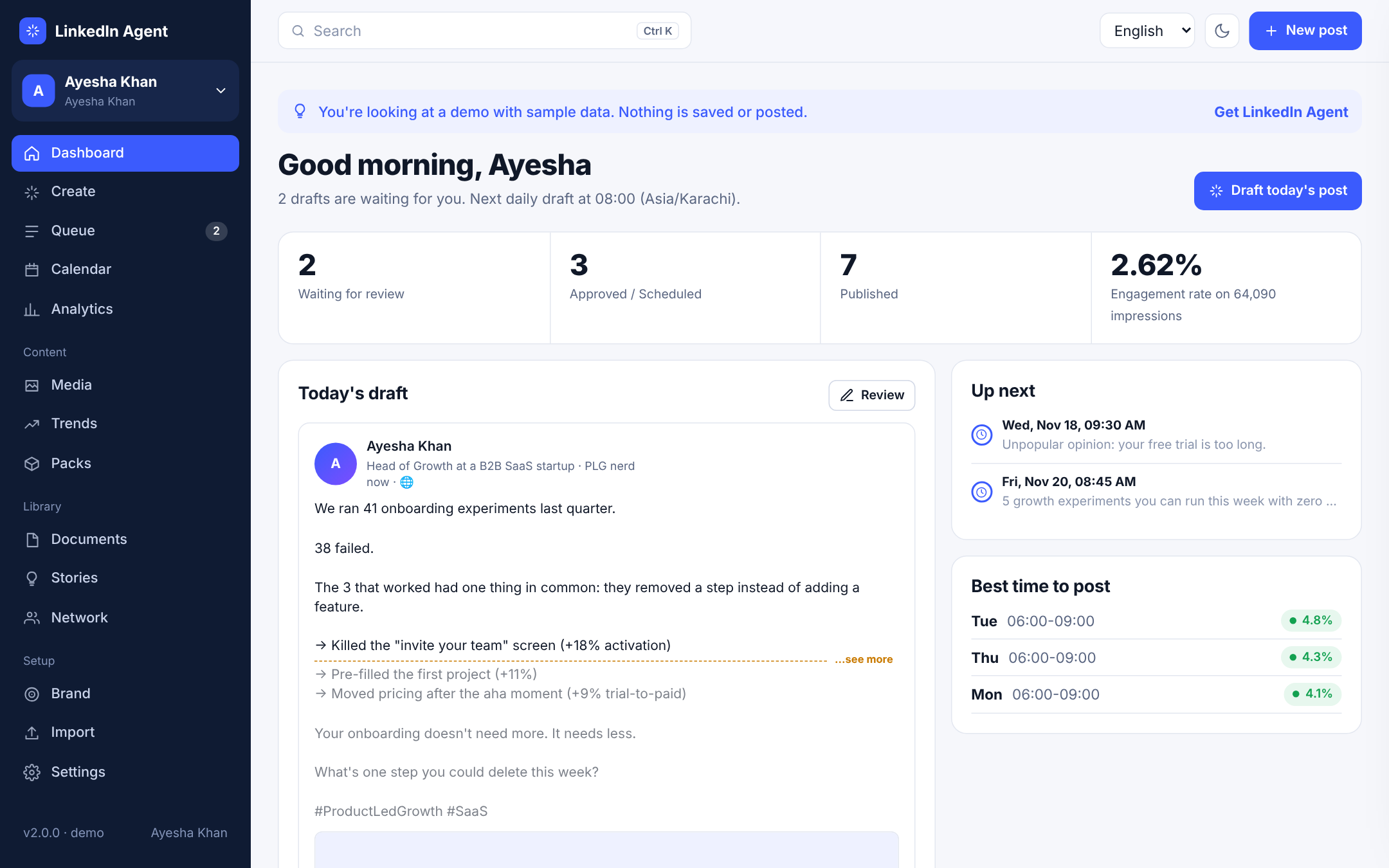
DashboardToday's draft in a real LinkedIn preview, the dashed line where “see more” cuts in, what's scheduled next, your best posting slots and a setup checklist.
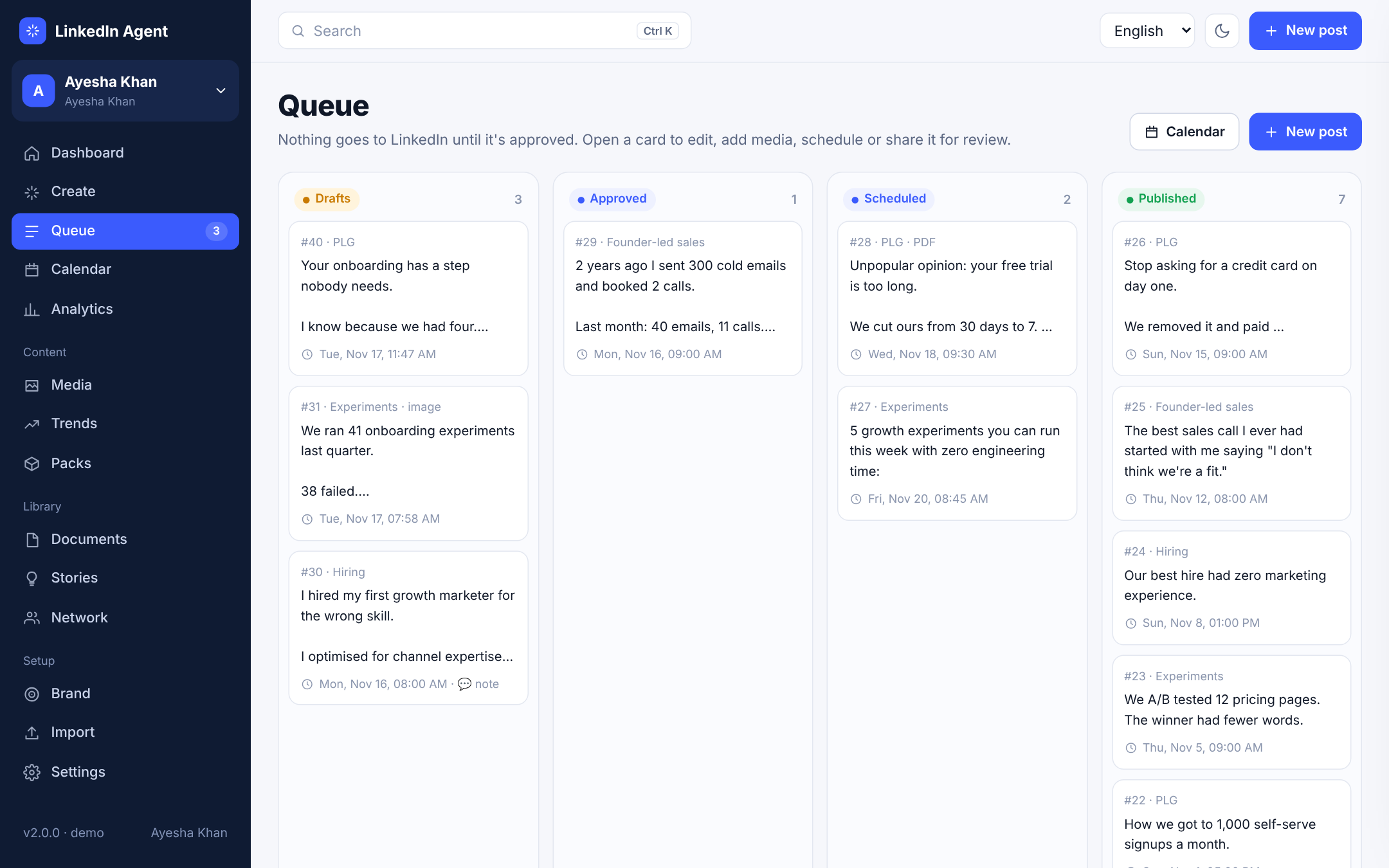
Approval queueA board with Drafts, Approved, Scheduled and Published. Nothing reaches LinkedIn until someone approves it.
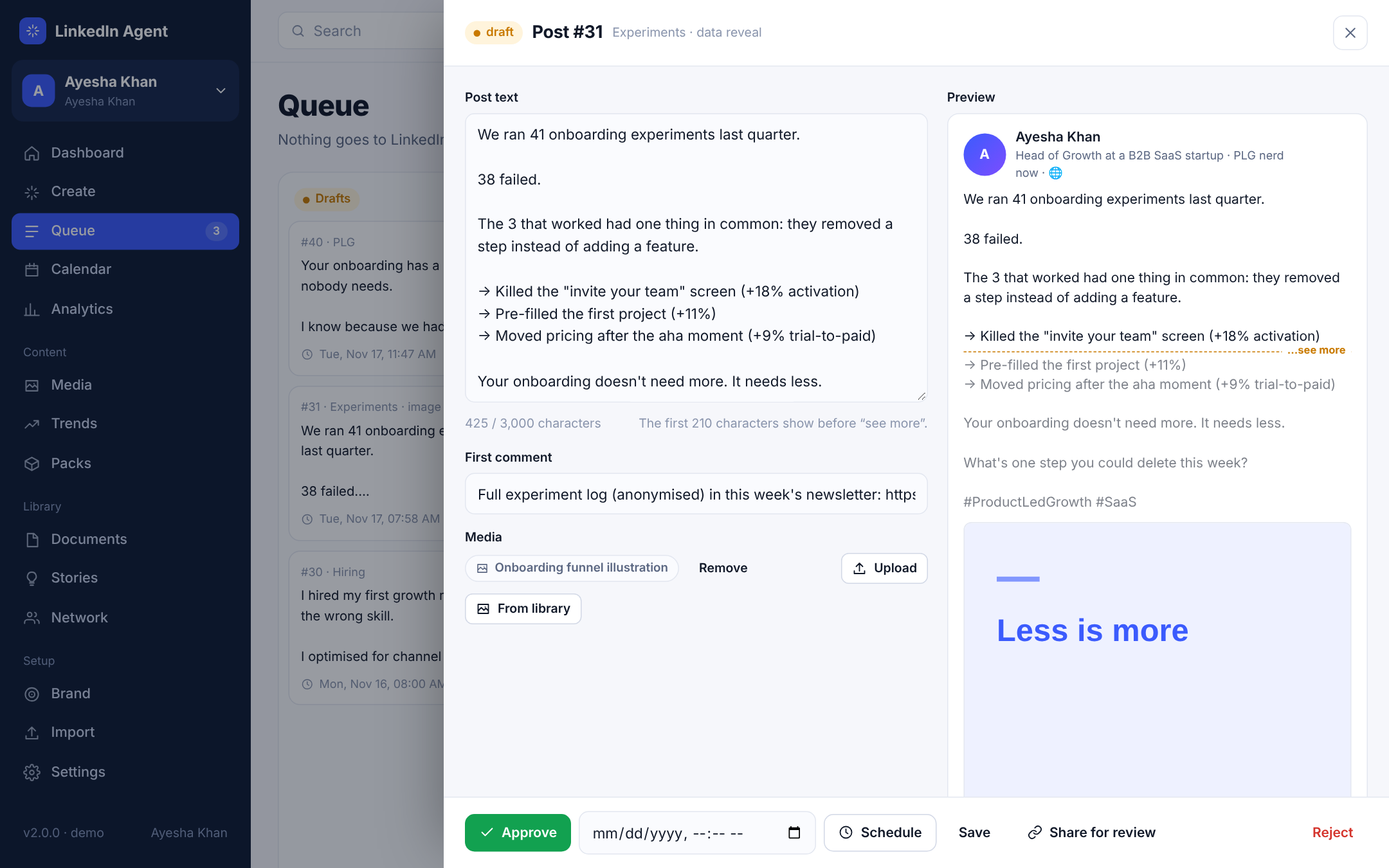
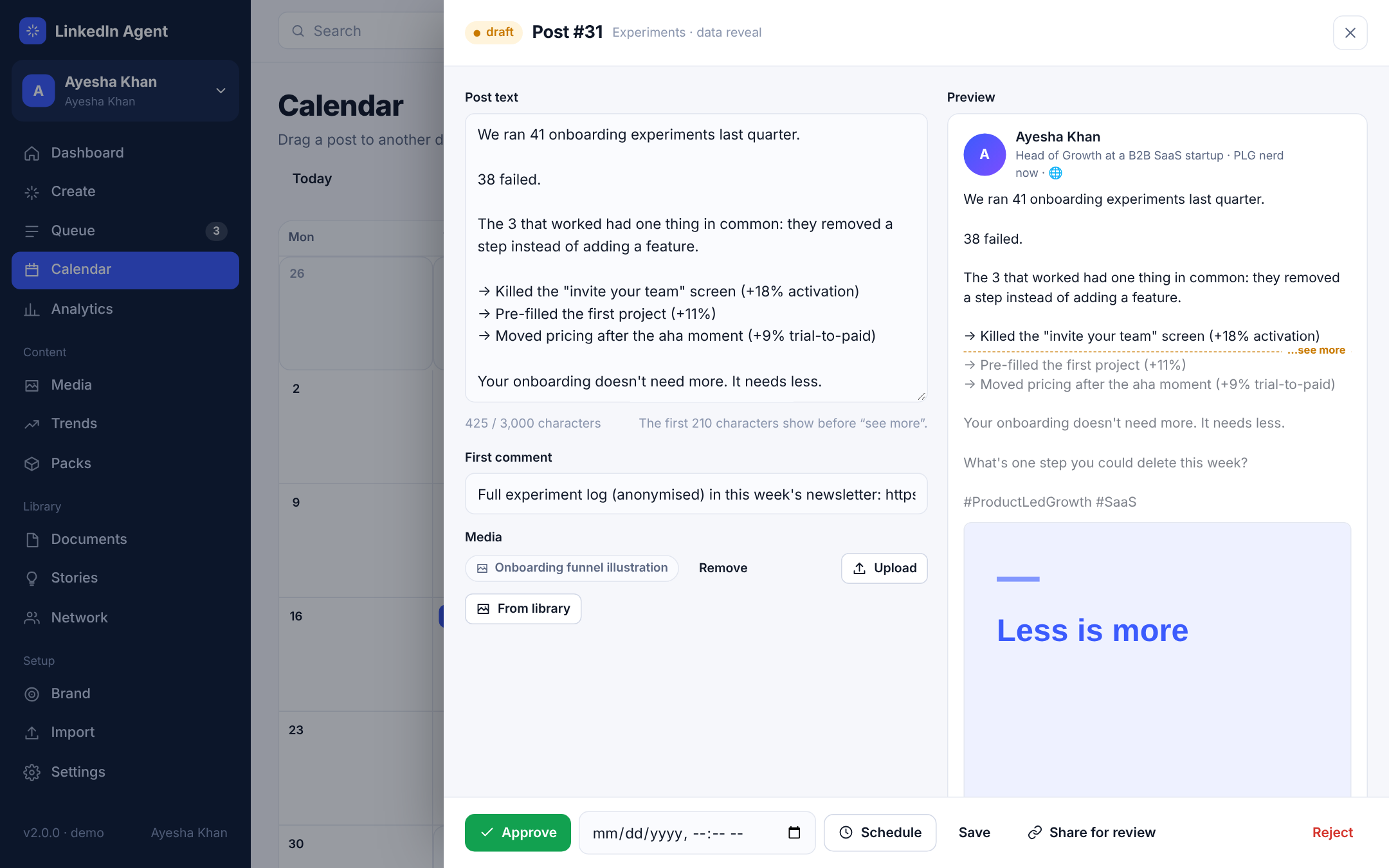
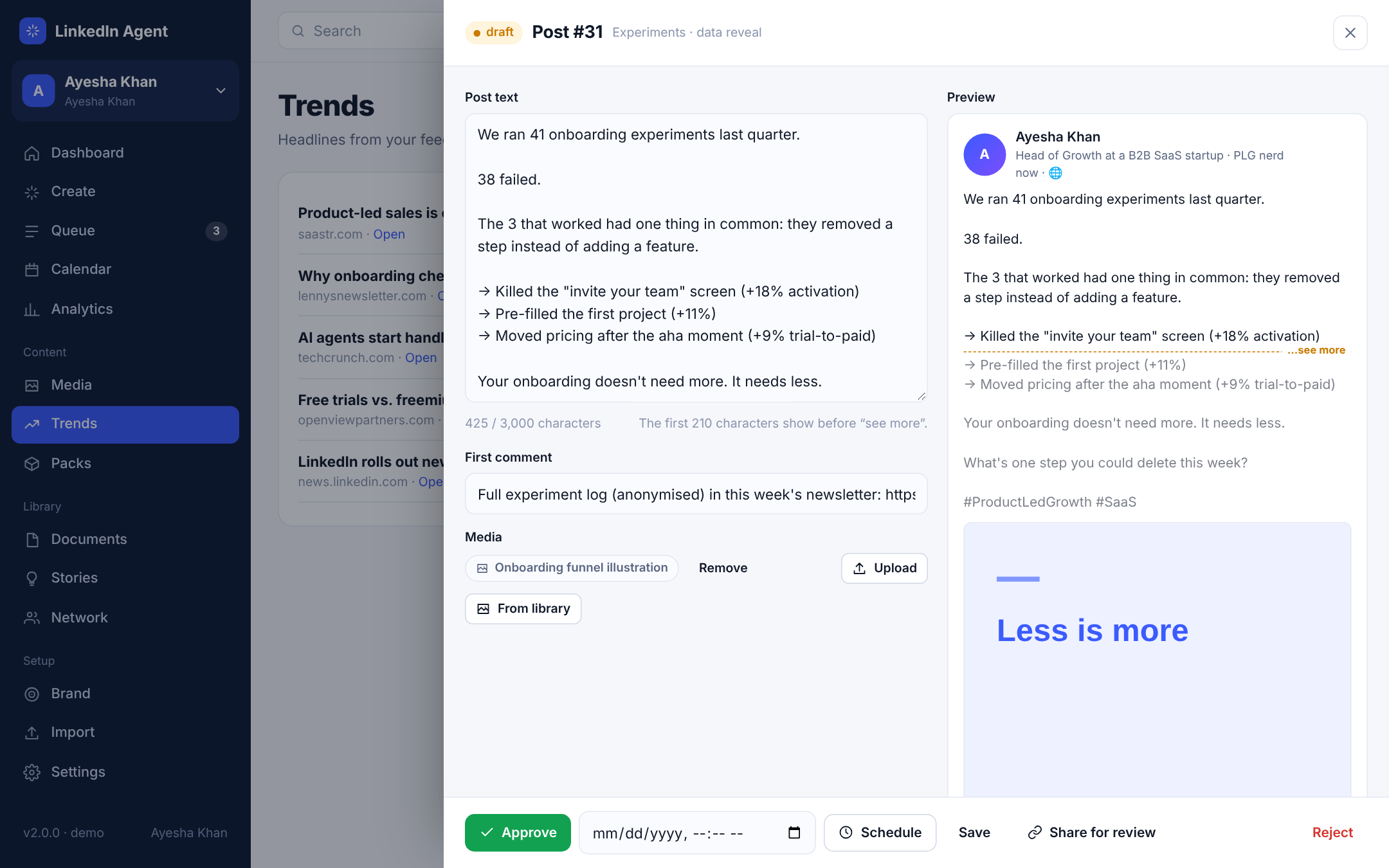
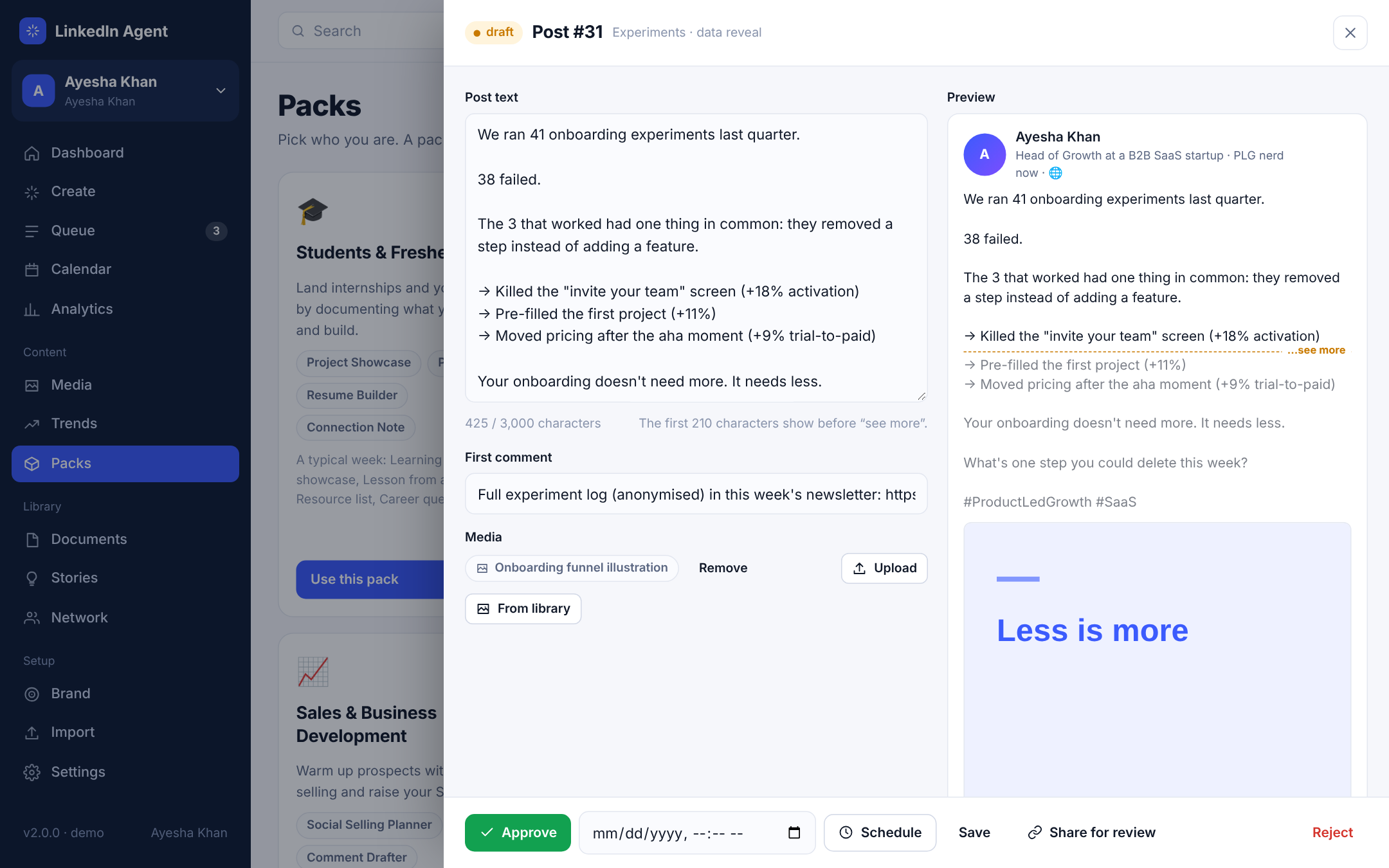
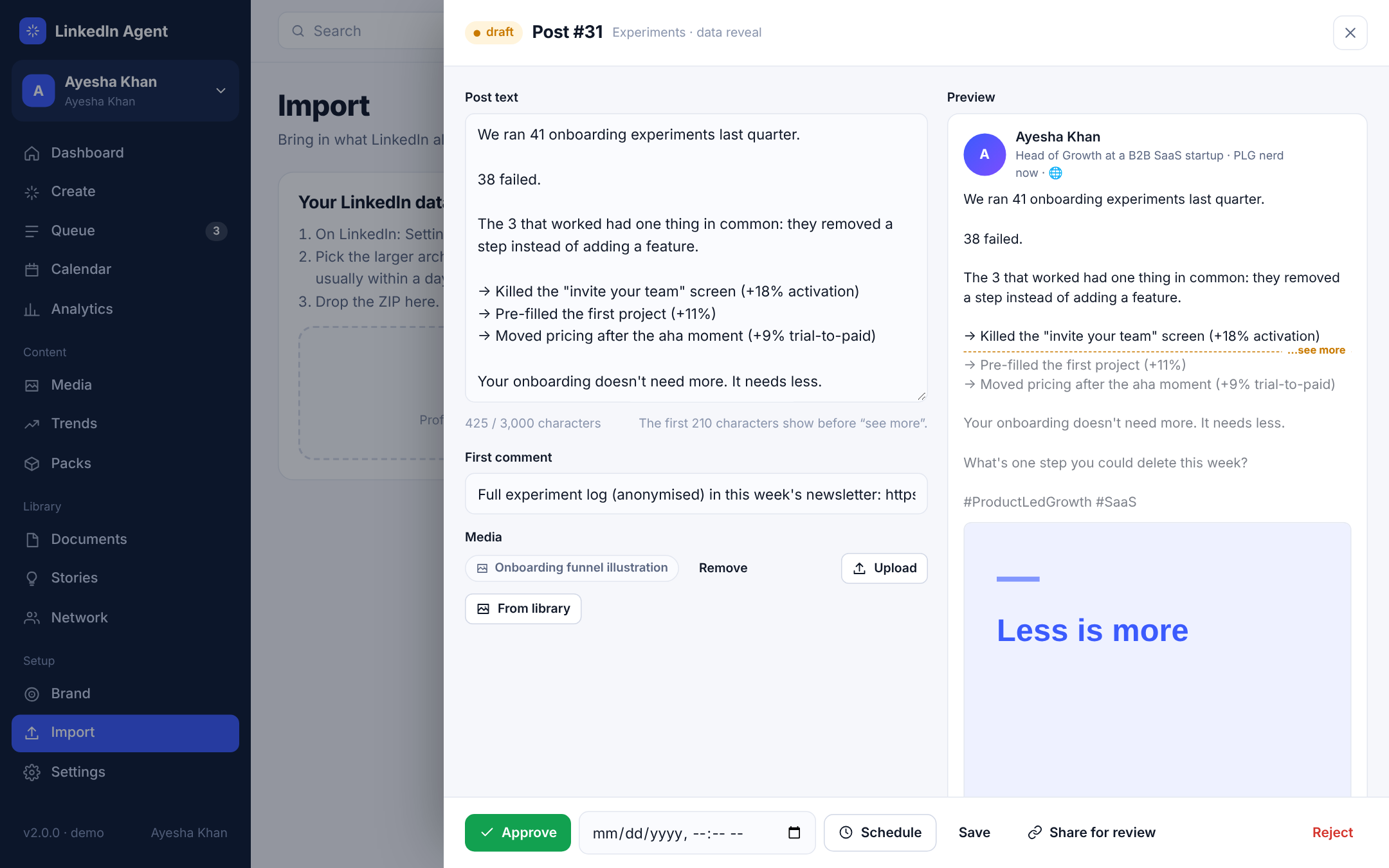
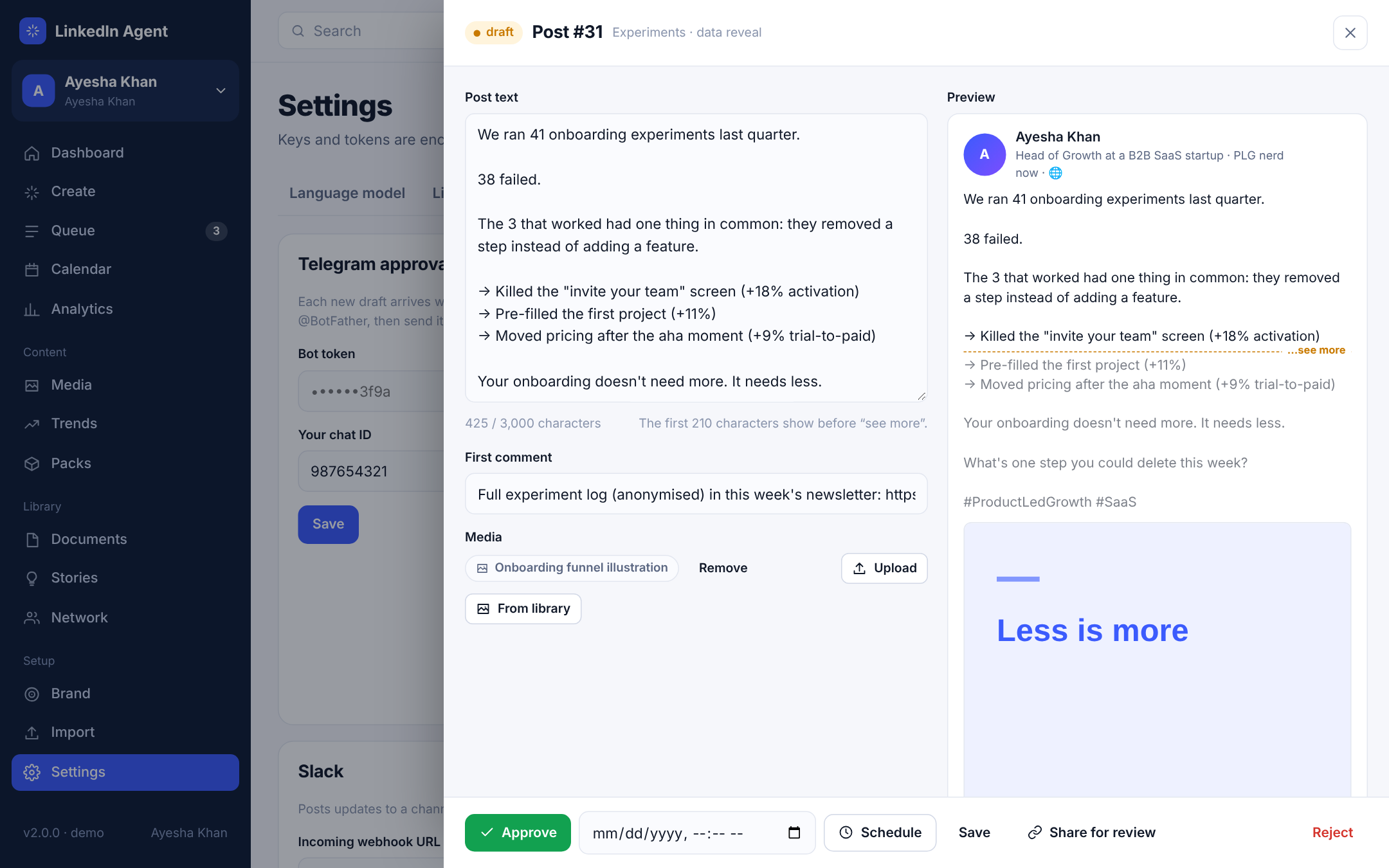
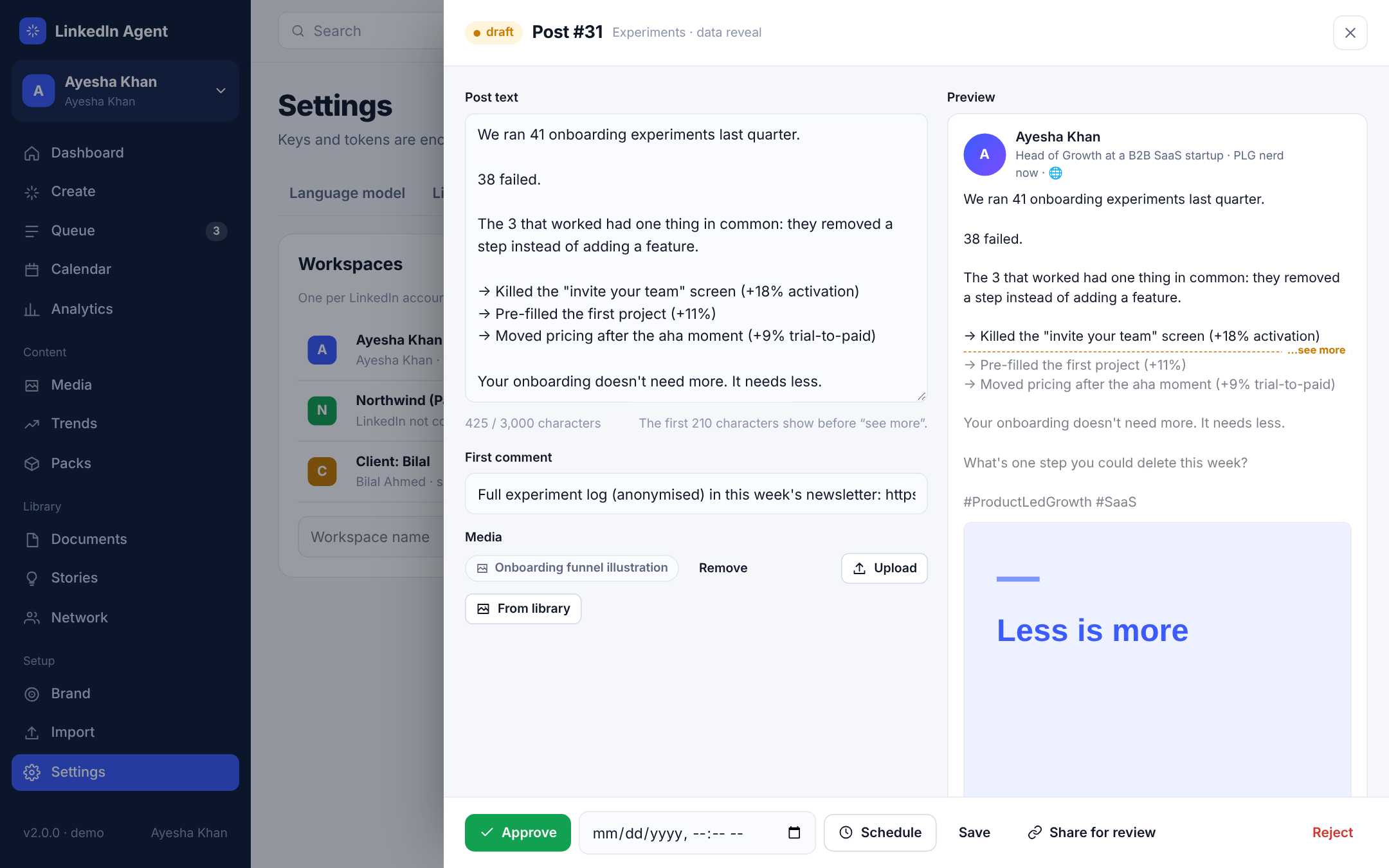
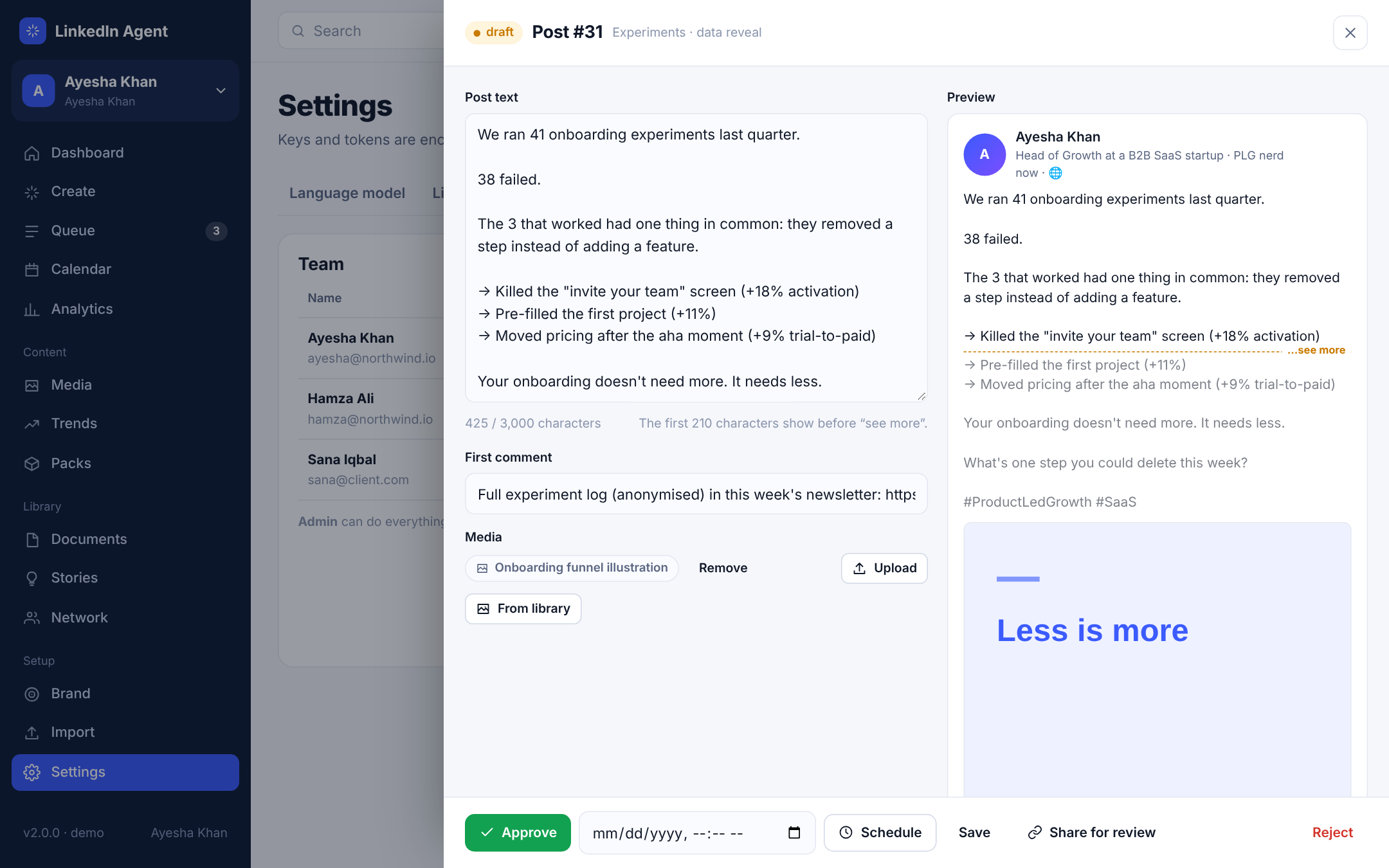
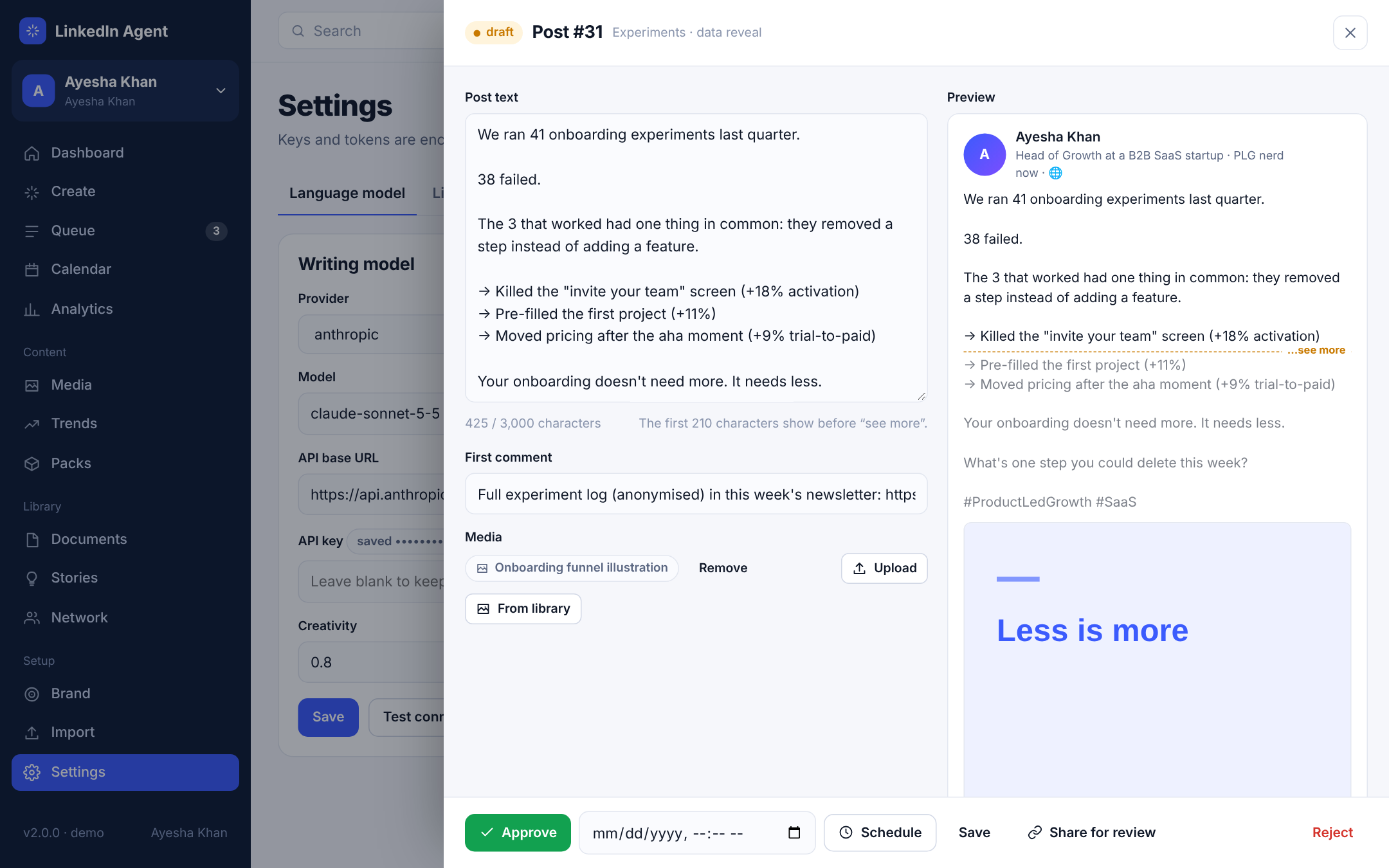
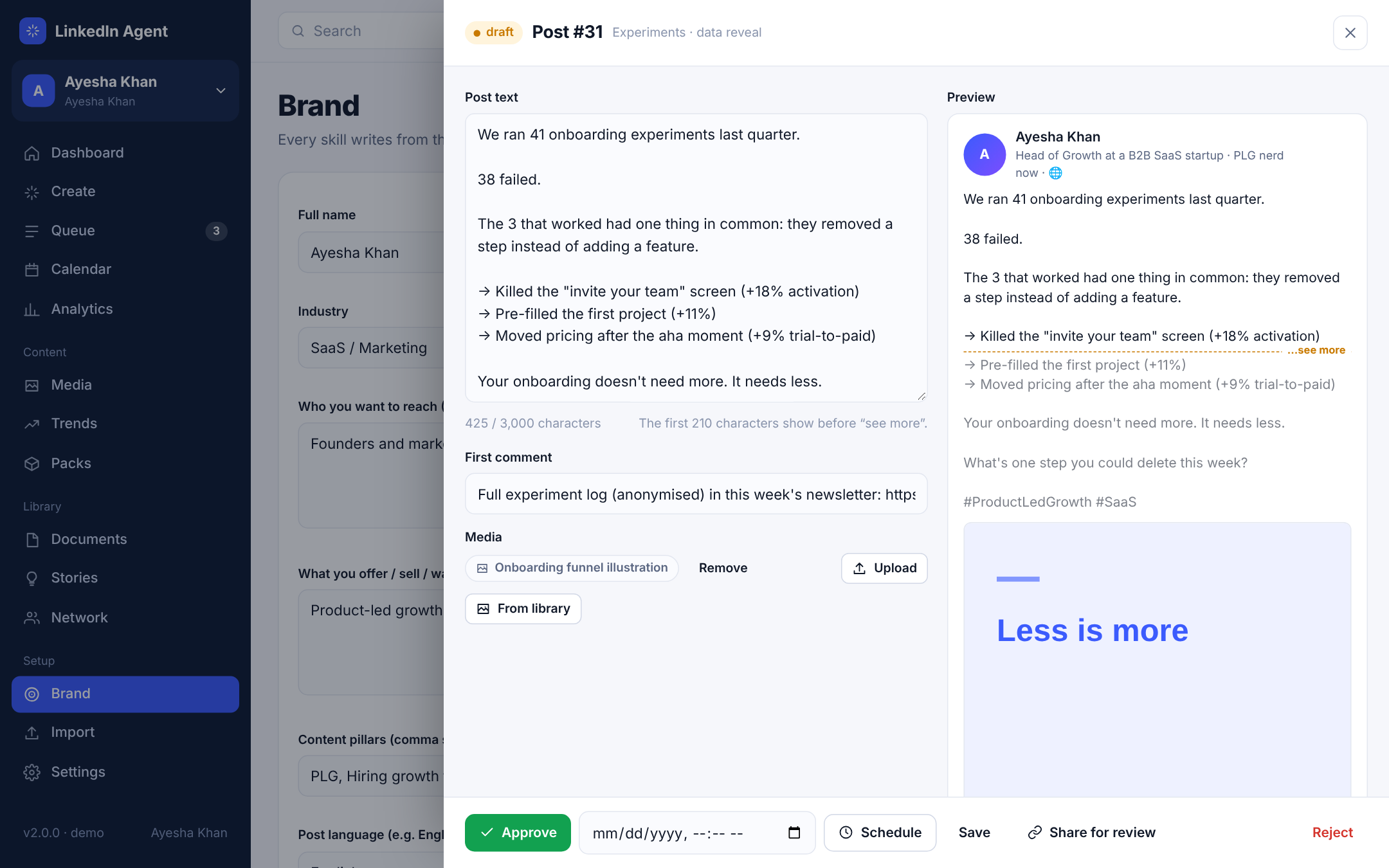
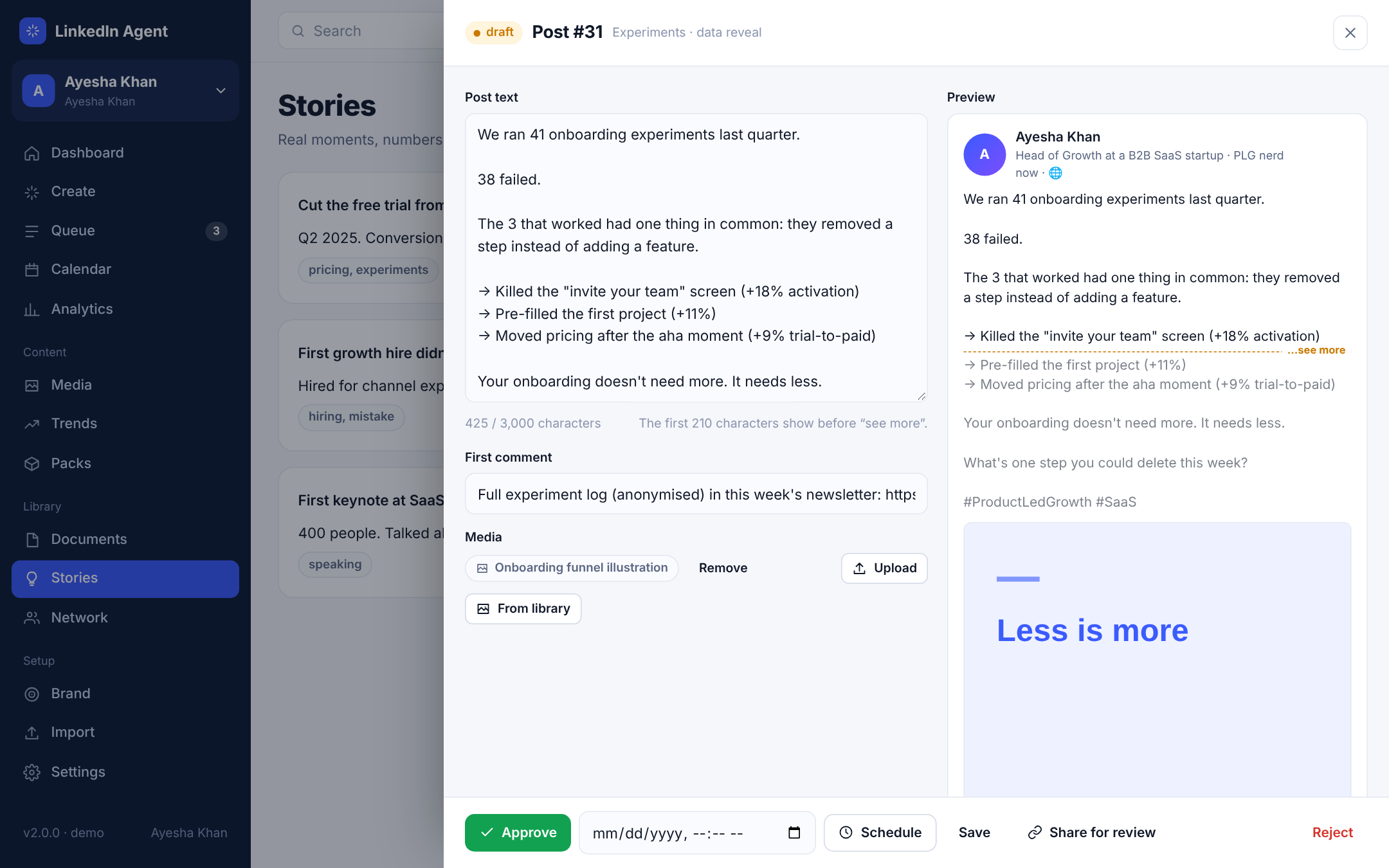
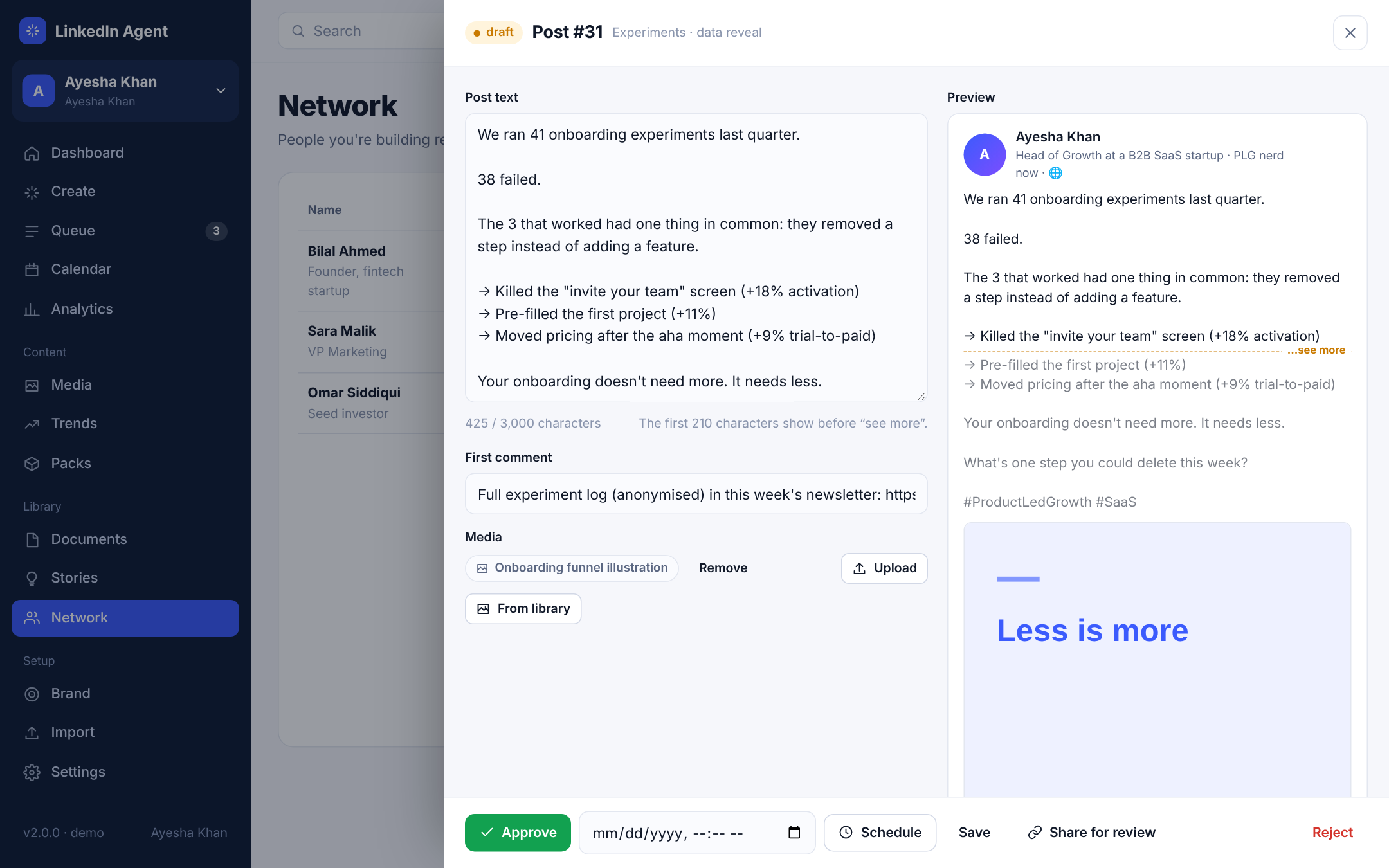
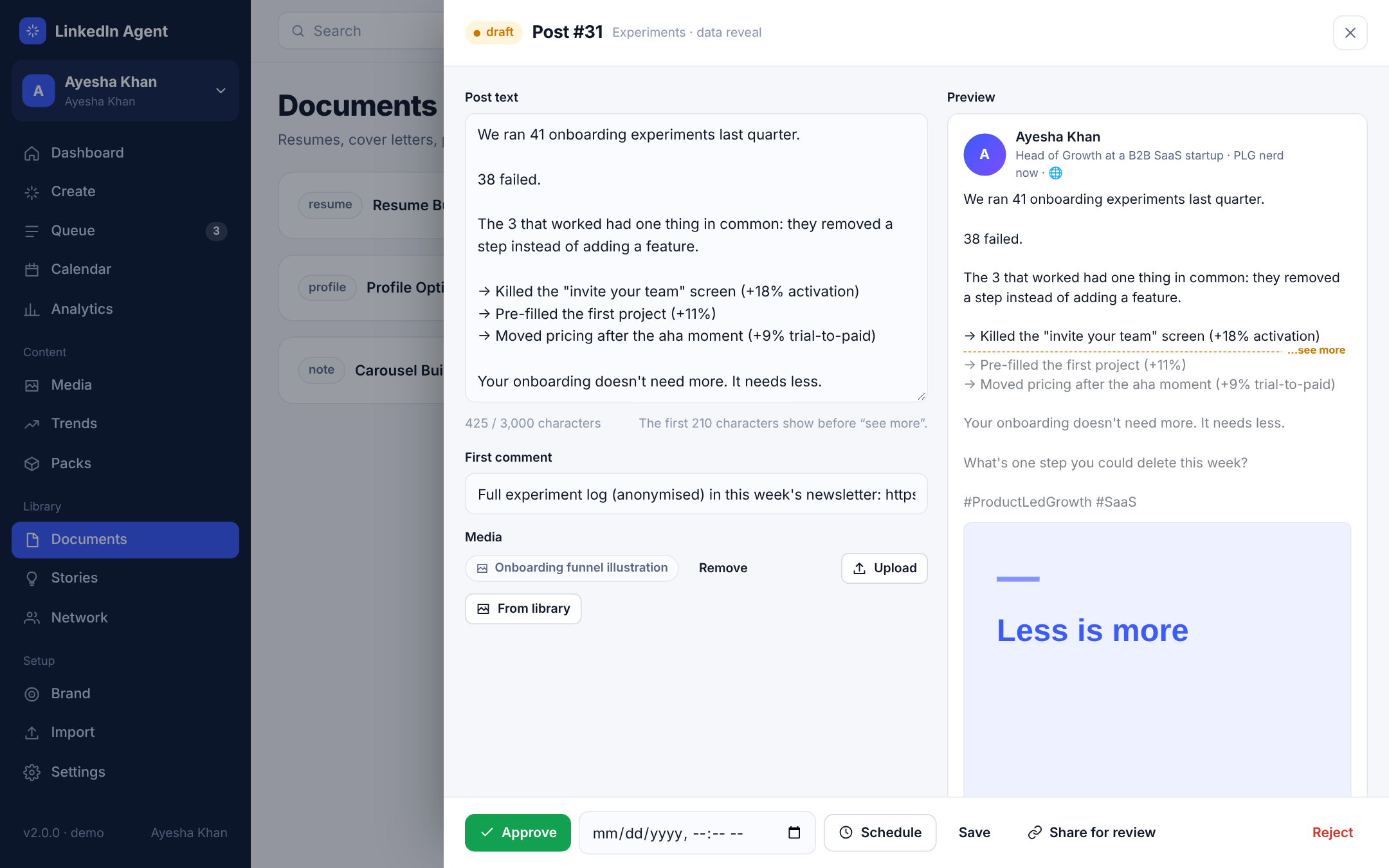
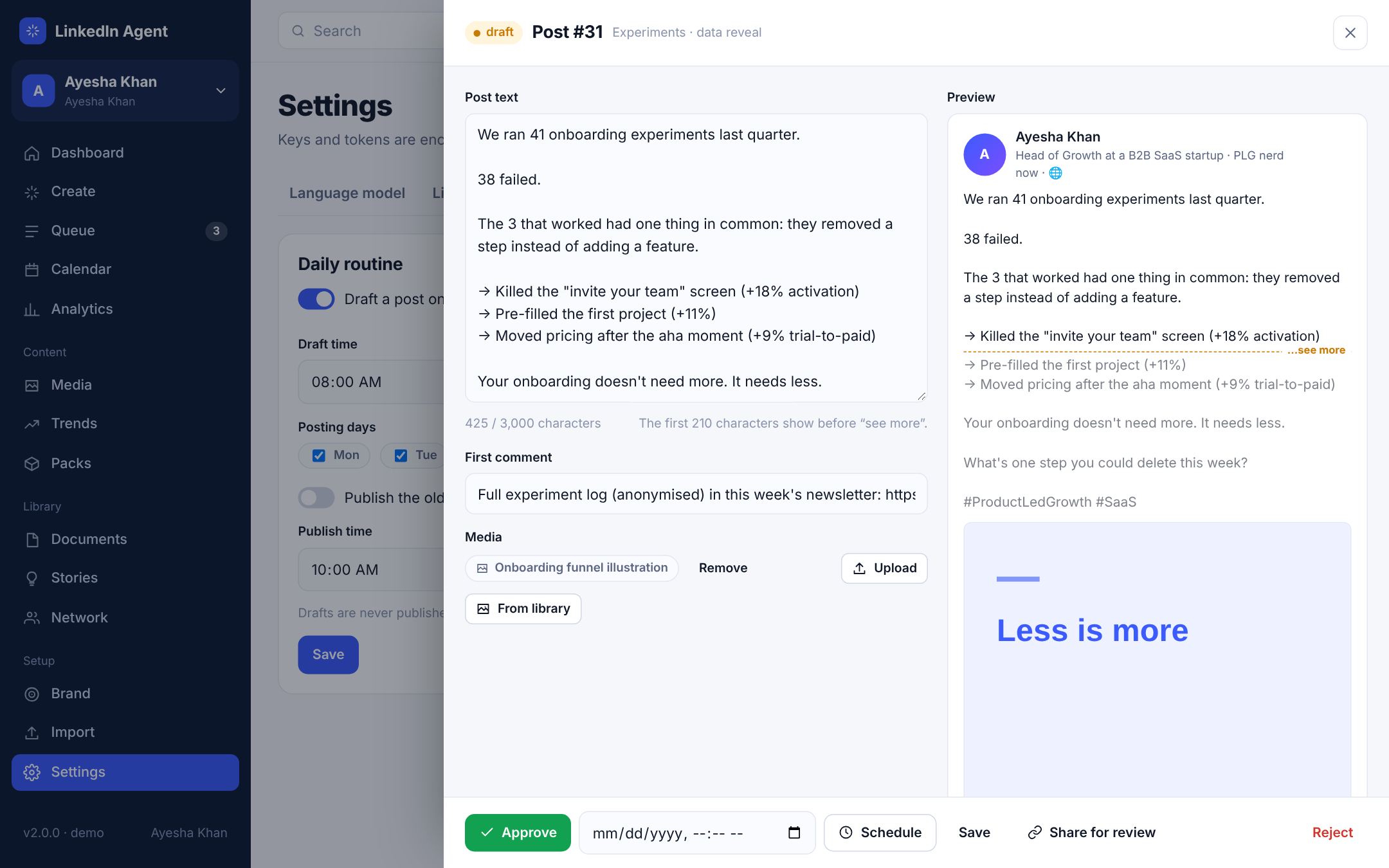
Post editorEdit with a live preview and a character count, attach an image or PDF carousel, schedule, or copy a review link for a client.
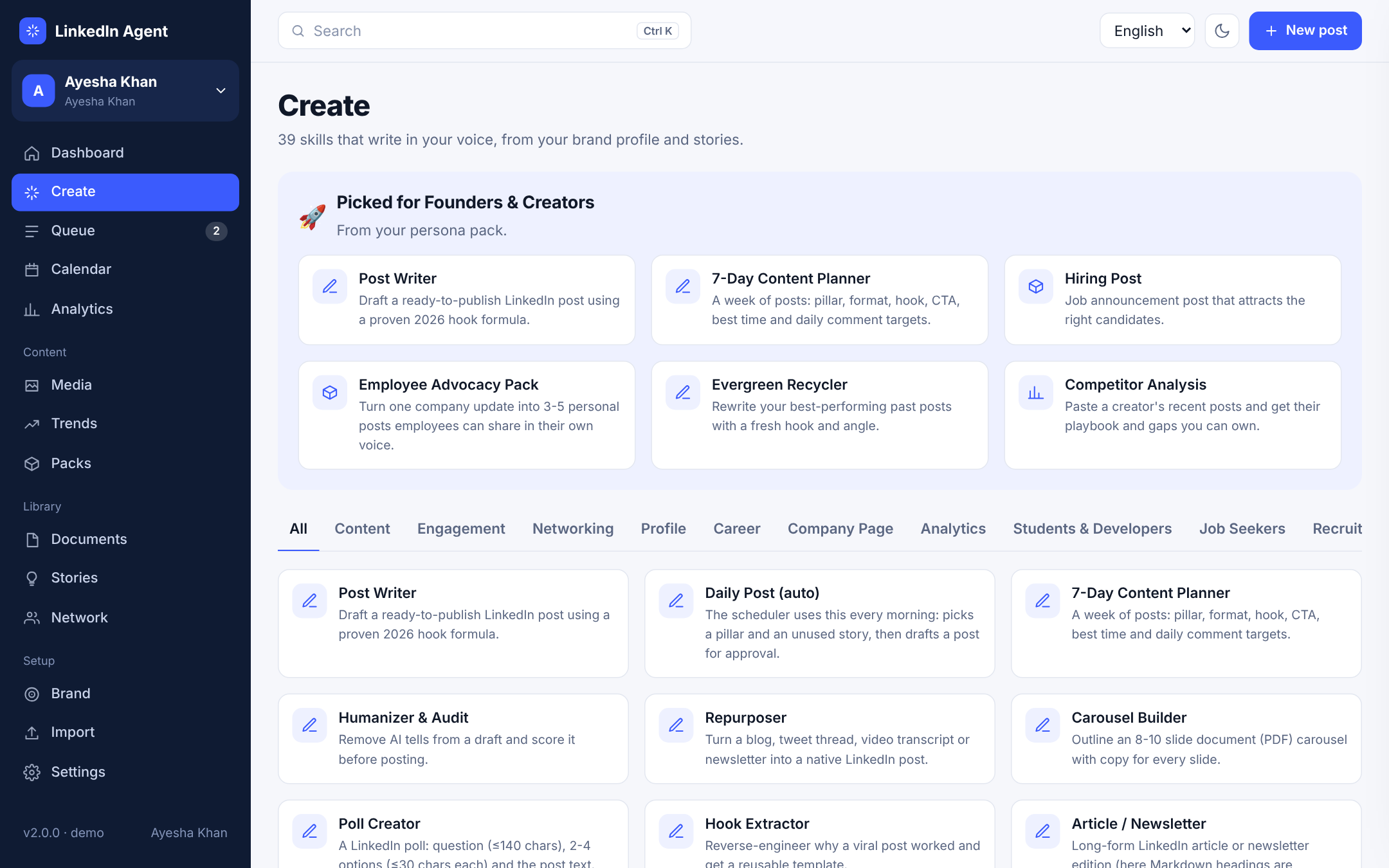
Skill galleryEvery skill, grouped by what you're trying to do, with the skills for your persona pack shown first.
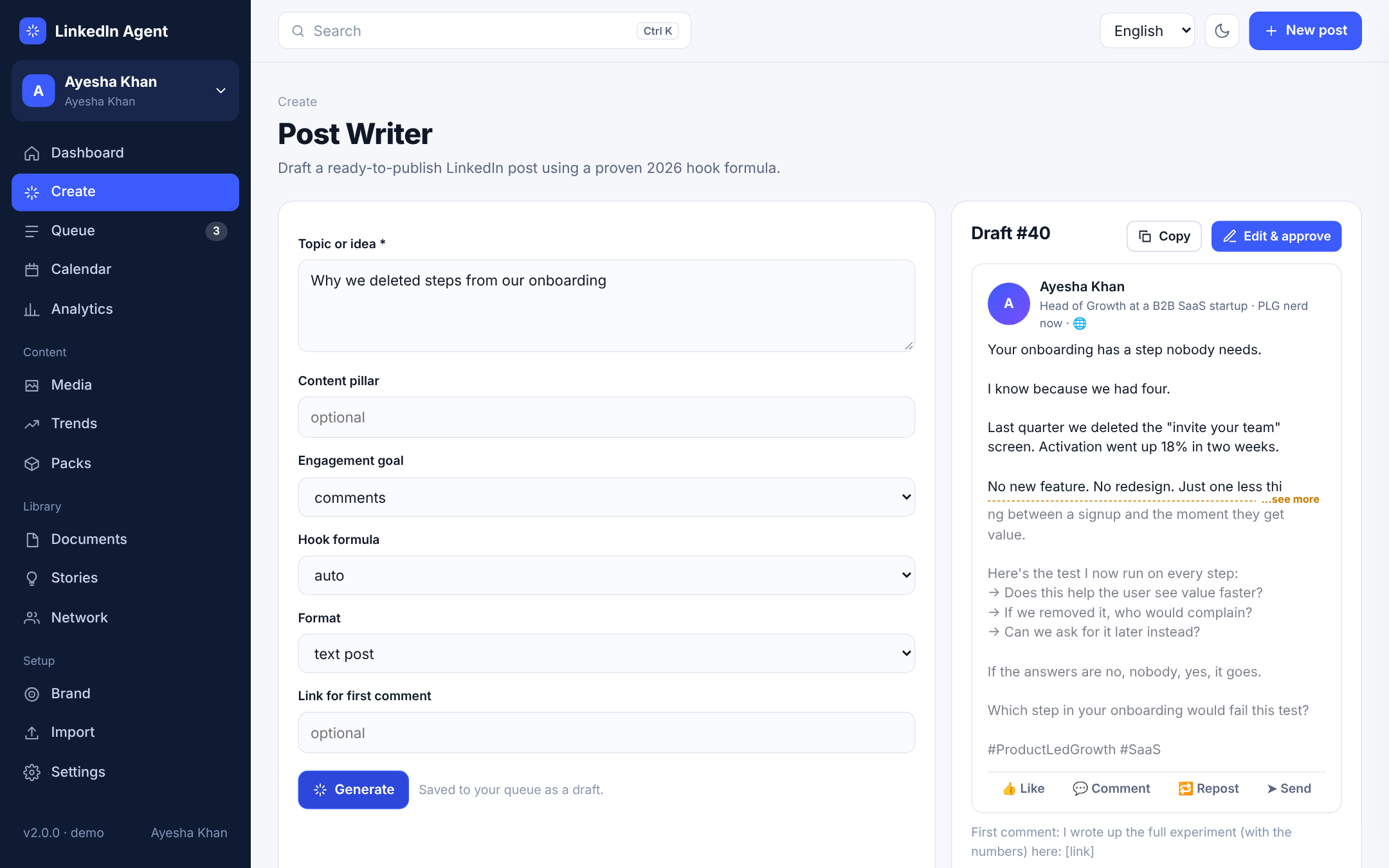
Post WriterPick a topic, goal, hook formula and format. The draft lands in your queue with a first comment.
CalendarMonth view of scheduled and published posts. Drag a post to another day to move it.
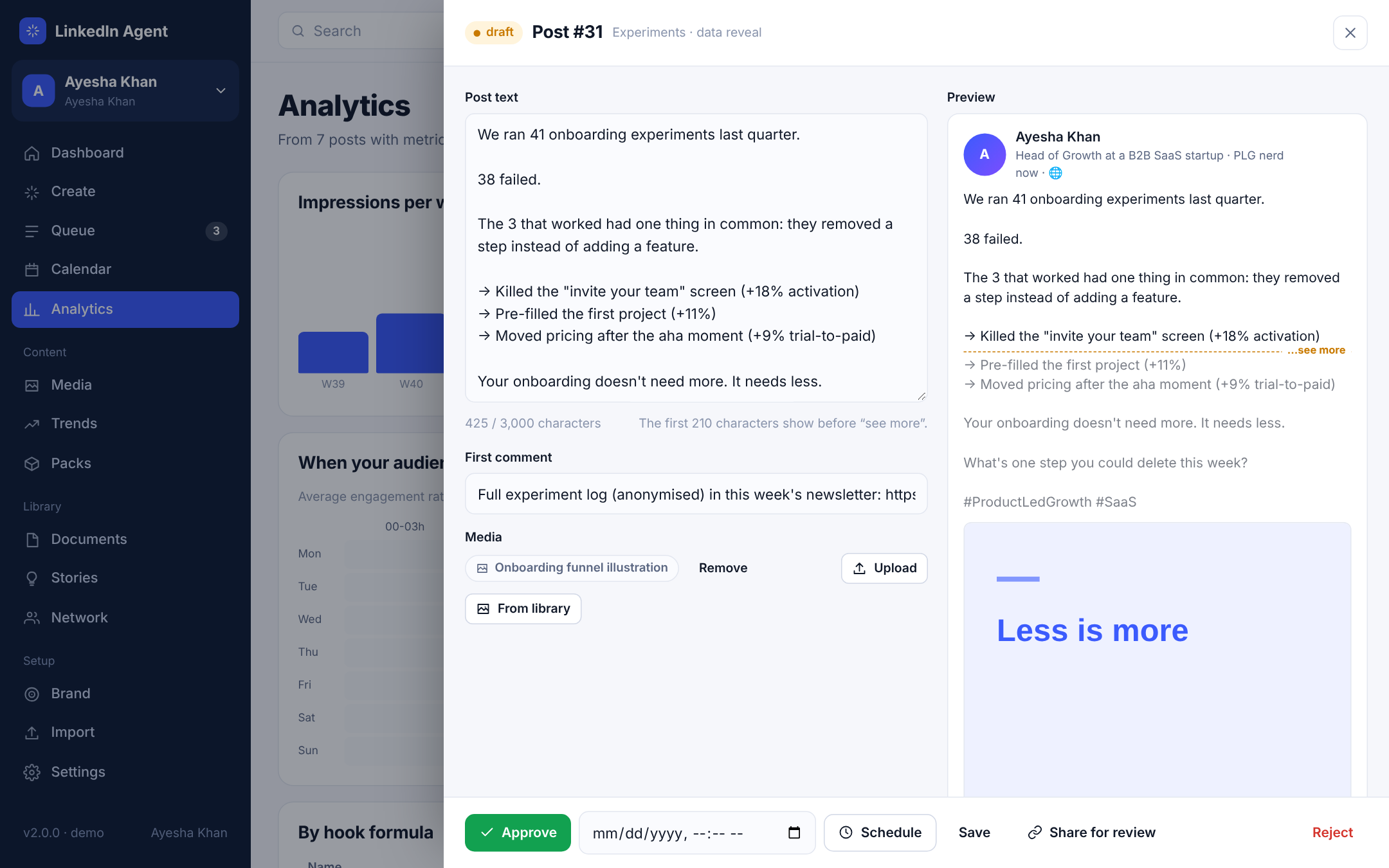
AnalyticsImpressions by week, an engagement heatmap by weekday and hour, and results by hook formula and pillar.
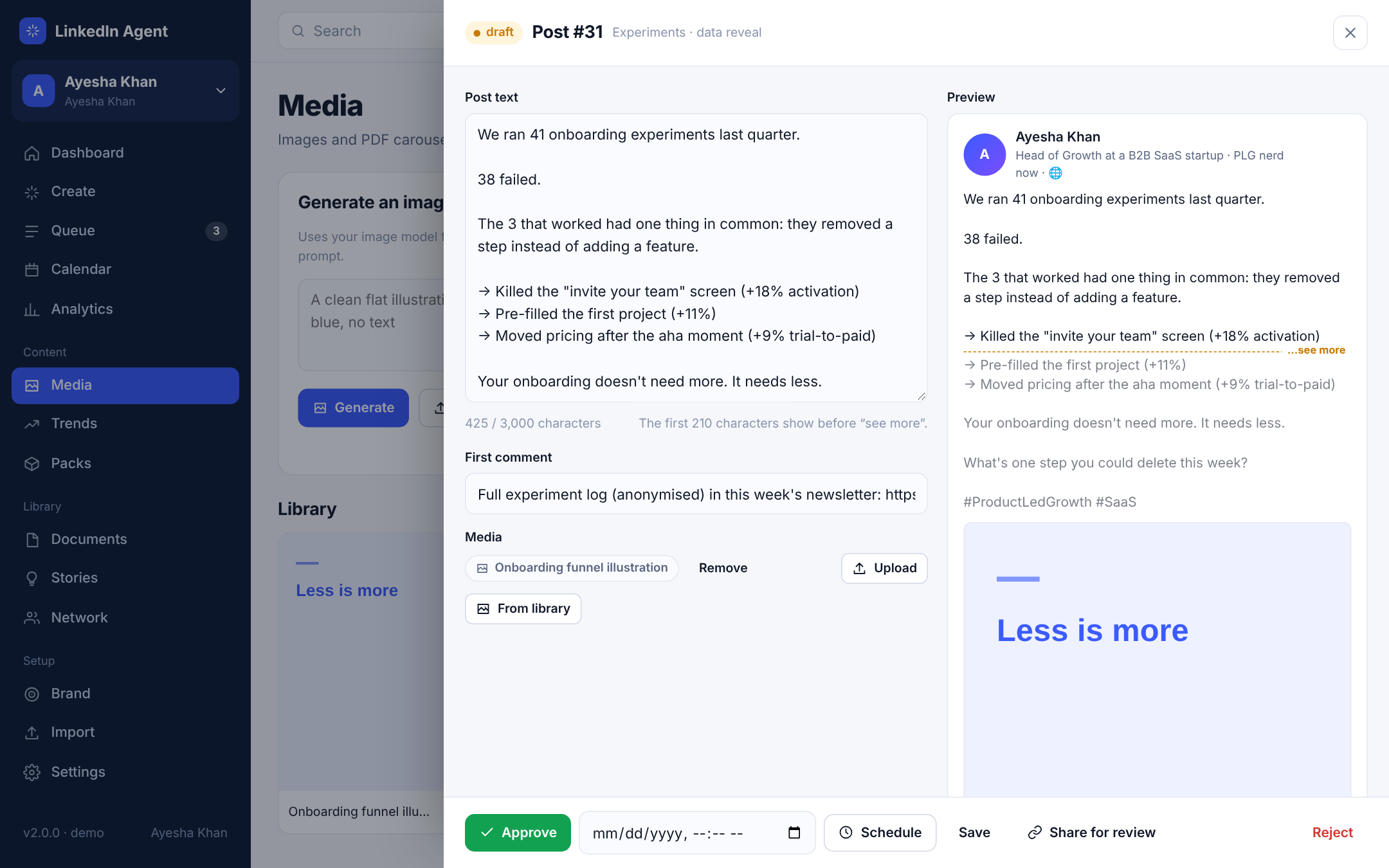
Media studioGenerate images with your own image model, upload your own, and turn carousel text into a branded PDF.
TrendsHeadlines from your RSS feeds, each one a click away from a post with your take.
Persona packsEight ready-made setups: students, job seekers, developers, freelancers, sales, founders, experts and recruiters.
ImportDrop LinkedIn's own data export to fill your brand profile, voice samples and post history in one go.
Notifications & integrationsApprove drafts from Telegram or WhatsApp, post updates to Slack, send webhooks to Zapier, subscribe in Google Calendar.
WorkspacesOne per LinkedIn account: you, your Company Page, every client. Each with its own queue, brand and schedule.
Team & rolesAdmins, editors who write, reviewers who approve and publish.
Bring your own modelOpenAI, Claude, Gemini, Groq, OpenRouter, DeepSeek, any OpenAI-compatible endpoint or a local Ollama model.
Brand profileThe voice, audience and pillars every skill writes from.
Story bankReal moments and numbers, so posts are built from your experience instead of invented.
NetworkA small CRM for the people you're building relationships with, with follow-up dates.
DocumentsResumes, cover letters, profile rewrites and plans, with Word export.
Daily routineChoose the draft time, posting days and whether approved posts publish on their own.
Dark modeEvery screen has a dark theme that follows your system or your choice.
Five languages, right-to-left includedEnglish, Urdu, Hindi, Arabic and Spanish. Urdu and Arabic switch the whole layout to right-to-left.
On your phoneThe portal works on small screens too, for checking the queue on the go.
 LinkedIn Agent